
Activity: Cut and Engrave Something
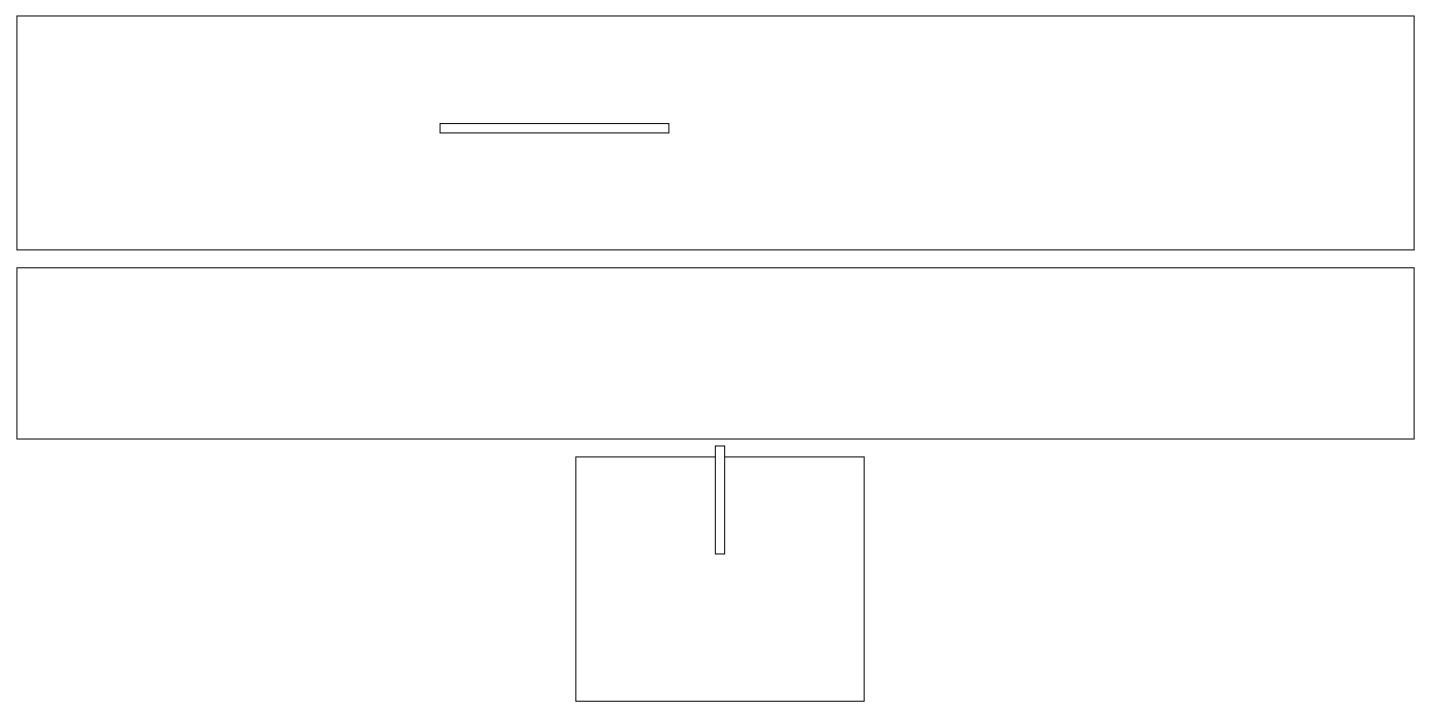
We’ll explore designing your own object in DF105. For now, show that you’ve learned how to operate the laser cutter by downloading and opening this SVG file: Glider Template 2026. The challenge is to design a glider using a 20”x10” piece of foam core. The white space is your workspace. Find a course instructor to orient you to the template.
- Log into the laptop next to the laser cutter
- Open the Glider Template in Inkscape and Save As a new file on the desktop
- Shape the fuselage, wing, and horizontal stabilizer by editing the nodes.
- When you’re happy with the shapes, select all the lines by pressing Ctrl+A on your keyboard and change all the strokes weights in your design to .072px.
- Print the file by going in the top toolbar to Extensions, then Export, then Win32 Vector Print. The vector settings for the laser cutter need to be as follows – 50 speed, 40 power, and 500 Hz.
- When you’re finished cutting (and flying), take a picture of the object and submit it below.
Note that there is a quiz that follows this activity. Once the instructors have approved your upload, then click on “Activity: Introduction to Laser Cutting Quiz” in the toolbar to the left to take the quiz and complete the module.
Remember, you must be logged in to be able to submit your picture.